> For the complete documentation index, see [llms.txt](https://support.ninchat.com/ninchat-support/llms.txt). Markdown versions of documentation pages are available by appending `.md` to page URLs; this page is available as [Markdown](https://support.ninchat.com/ninchat-support/english-new/user-interface/general-tips/interface-language.md).
# Ninchat user interface language
Choose your preferred language from the settings.
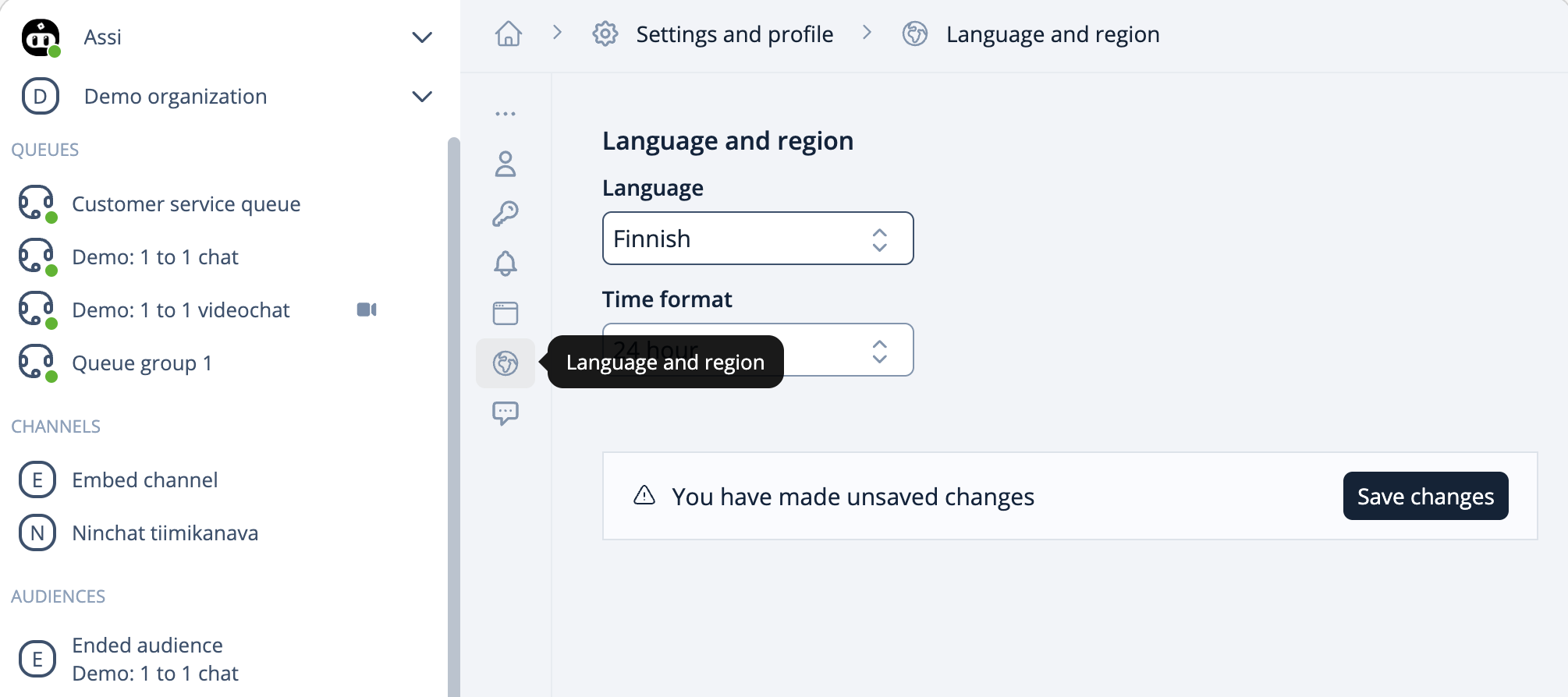
Ninchat uses the language selected in your web browser as the default (Finnish/English). You can change the language by navigating to Settings and profile and selecting Language and region.
By choosing the Automatic setting, you can also change the language through your browser's language settings. You can access the settings directly using the links below: